Automated AI Software Development

Your dev team.
3× the output.
Every line verified.

Autonomous AI coding pipelines that scale delivery. Engineers stay in control.

30-minute conversation. No commitment.

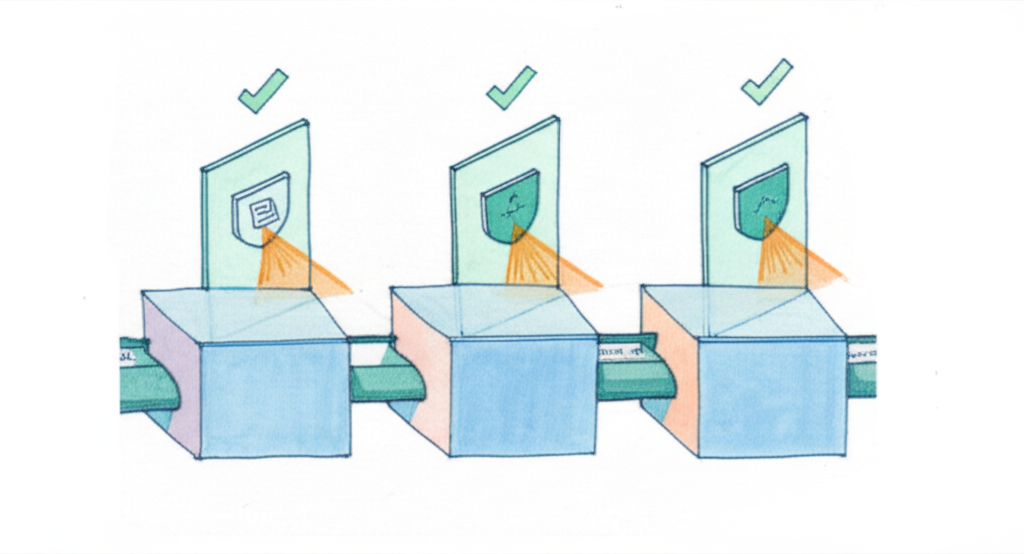
Glass factory pipeline

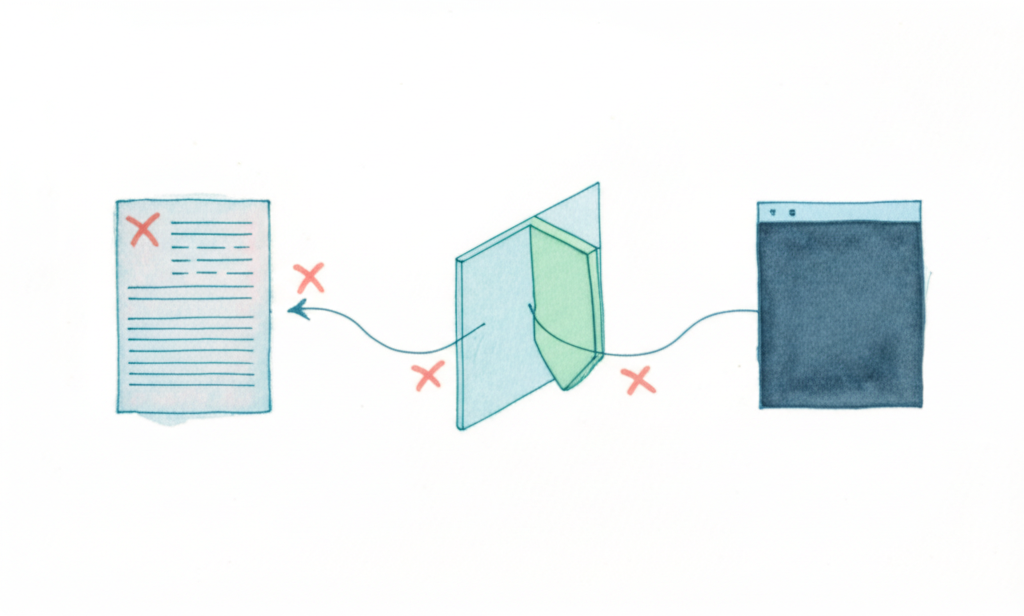
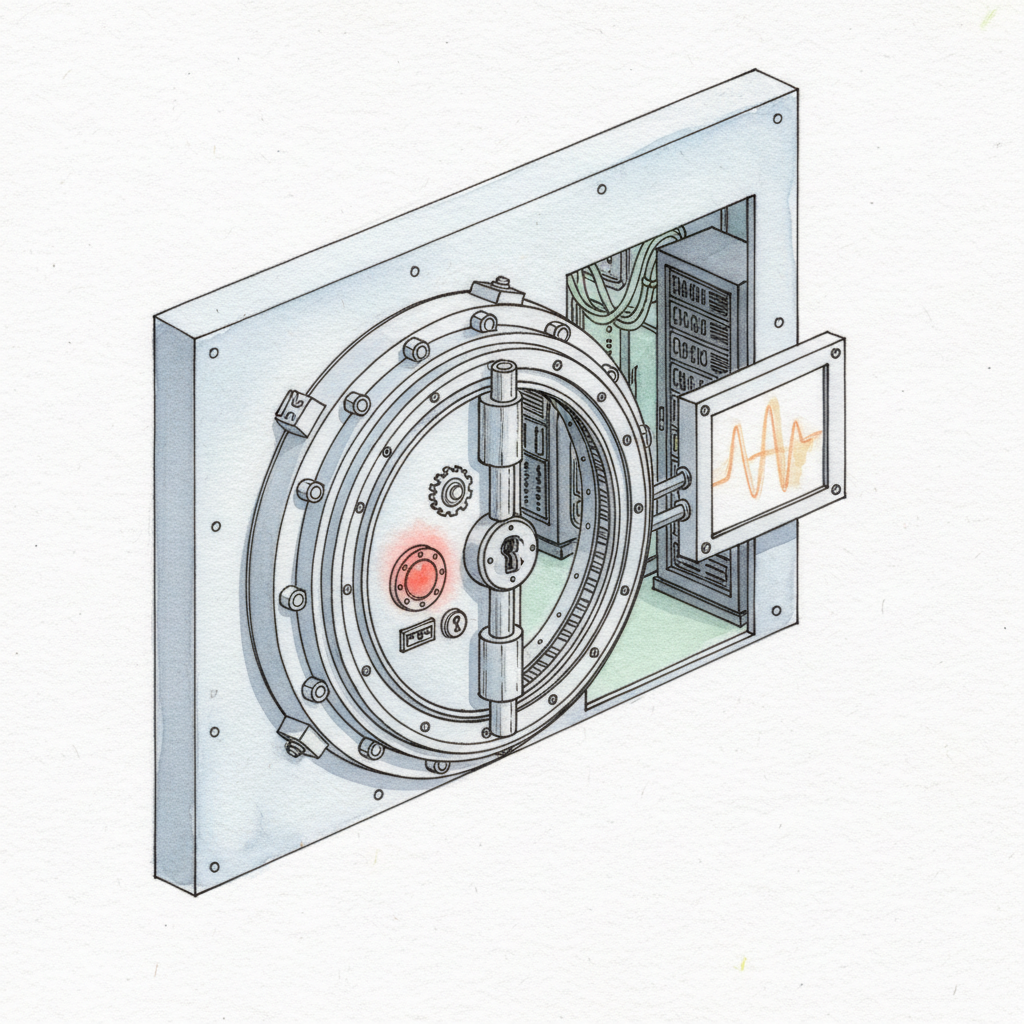
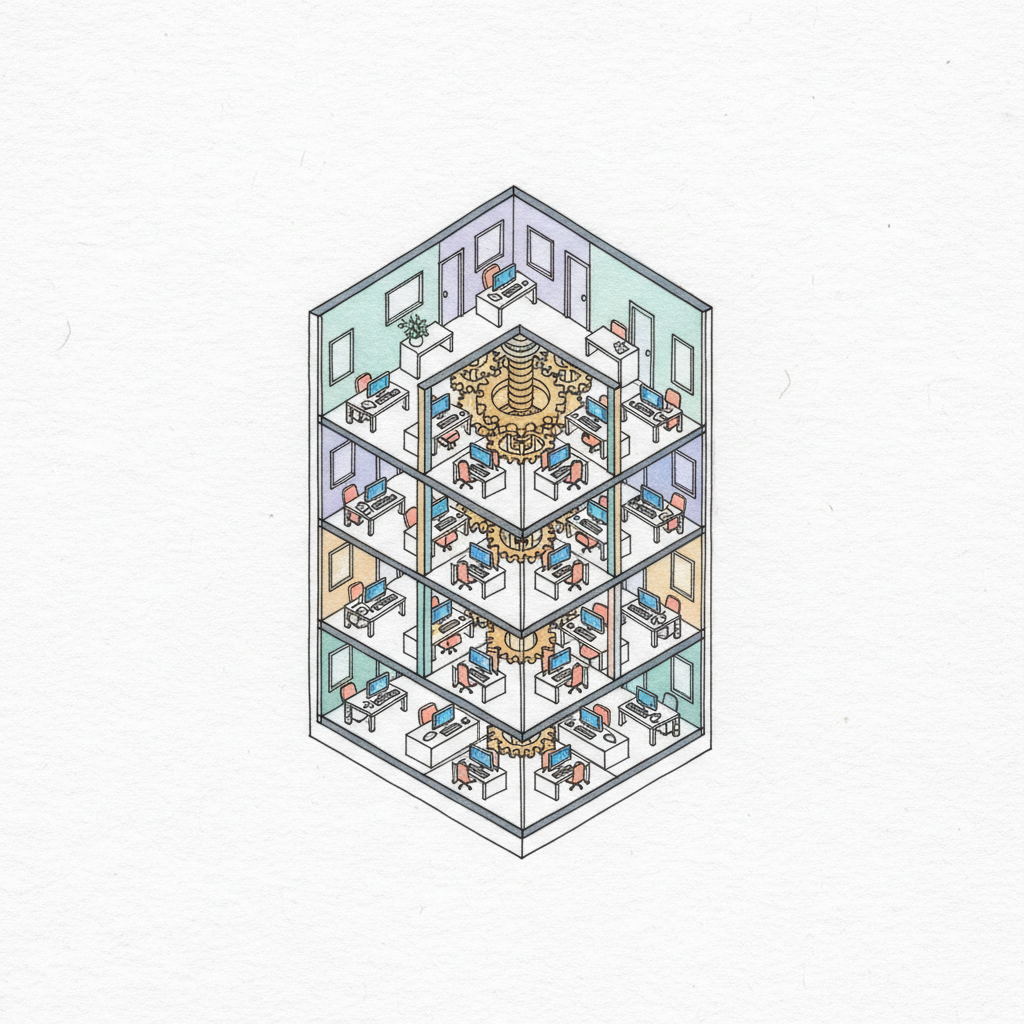
A fully transparent, autonomous AI development pipeline — every stage visible, every output verified

What a pipeline delivers

50%

Verified task completion

LLM agents complete only half of real-world tasks without structured pipelines (morphllm research)

24/7

Pipeline runtime

Ships overnight. No standups. No context-switching.

What doesn’t keep up

~30%

GitHub Copilot research

Developers who read AI-generated code carefully before accepting. Bugs shipped with confidence cost the most.

3–6mo

Without pipeline design

How long teams typically spend discovering verification problems they could have designed around.

What Actually Changes

What changes when AI writes the code

It follows the same pattern on every team.

Developers use AI tools. They naturally read less of the code it produces. Quality gaps appear and go undetected longer. Output increases. So does the amount that needs checking.

Building verification in from the start is how you stay ahead of it.

AI Tools Read Less Code Verification Gap Pipeline Automation
Developer looking away from code
What the results show
Amazon

4,500

developer-years — done in months

Amazon migrated 30,000 production Java applications using AI agents. What would have taken an estimated 4,500 developer-years manually was completed in months. At that scale, reading every file is not an option.

Google

25%

of all new code is now AI-generated

A quarter of all new code at Google is AI-generated, with human review integrated at every commit. The ceiling has risen. The bar has not moved.

GitHub

55%

faster task completion

Developers complete tasks 55% faster with AI assistance; 88% report measurable productivity gains. The constraint is not the AI — it is the verification layer built around it.

At that scale, you can’t read every file. Verification has to be built into the pipeline.

The case for building it

Why structure it as a pipeline

An ad hoc AI workflow scales to one developer. A pipeline scales to your entire roadmap.

Developer monitoring 4 parallel pipeline tasks

One developer, six tasks running at once

Without a pipeline, a dev handles one or two tasks. With one, they manage task queues — reviewing specs, approving PRDs, monitoring gates while agents build in parallel. The pipeline multiplies output without multiplying headcount.

4–6× concurrent tasks
Spec errors caught at gate before code generation

Problems caught at spec cost almost nothing

A misunderstood requirement fixed in the spec stage takes minutes. The same misunderstanding found in production takes days. Automated review gates catch errors at each transition — before code is ever written.

Earlier = cheaper, always
Pipeline running overnight while developer sleeps

The pipeline ships while the team sleeps

Agent teams don’t have standups. They don’t context-switch. Tasks queue up in the evening and code is ready for review by morning. The 9-to-5 constraint disappears from your delivery schedule.

24/7 build cadence
Adversarial quality gate with scoring rubric

Quality doesn't slip under deadline pressure

Pipelines don’t have bad days. Every task runs through the same rubric: spec review, adversarial gate, test validation, code review, security scan. The bar doesn’t move because a release is close.

Same gates, every build
How It Works

The fully automated pipeline

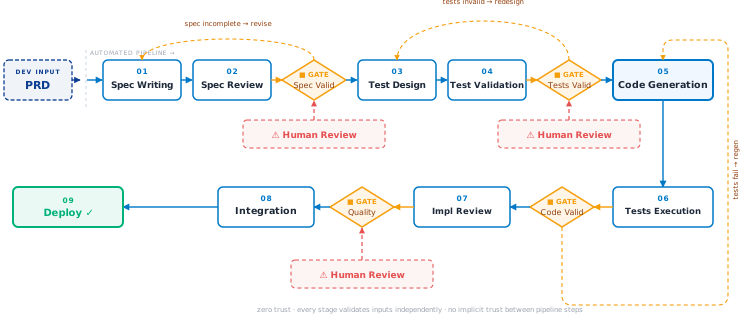
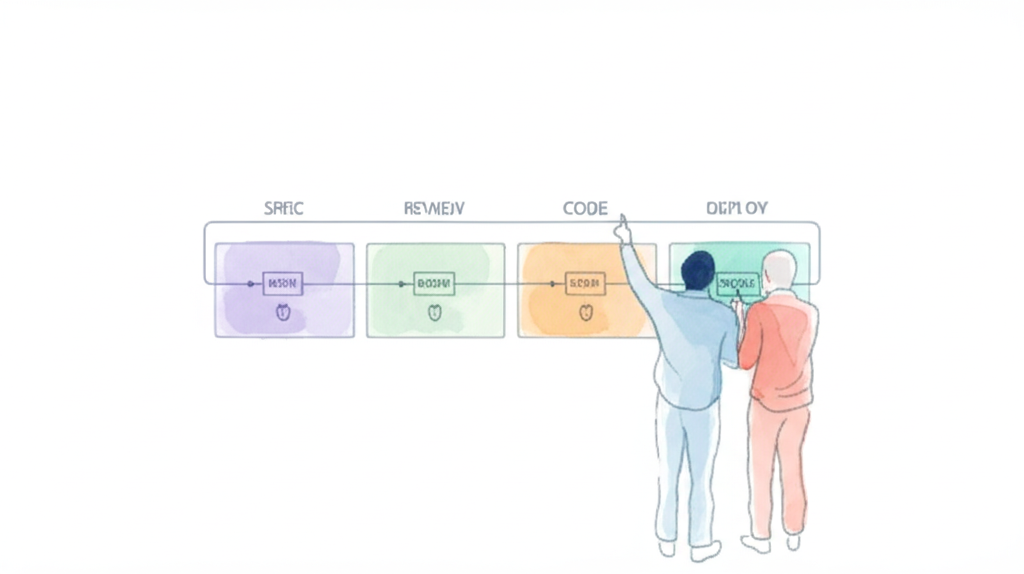
Every task runs through the same sequence. Every stage validates its own inputs independently. The developer’s job is to direct the pipeline — not write the code.

Your role in the pipeline

Developer does — governance & direction

Design agents & teams Design AI skills Configure model routing Set evaluation criteria Define tasks & sequence Set coding rules & standards UI design rules Implementation rules Security & perf standards Edge case handling rules Define scoring rubrics Review & approve PRDs Monitor gates, unblock STUCK Alignment & drift prevention Pipeline optimization Optimize run cost

How it scales in practice

4–6

project areas

Working across 4–6 distinct project areas simultaneously — each running its own pipeline. Within each area, multiple tasks run in parallel with teams of agent workers.

The developer’s job isn’t managing individual tasks — it’s keeping the entire project moving: reviewing gates, unblocking stalls, steering outcomes across all areas at once.

Per area: 1–3 active pipelines
Per pipeline: parallel agent teams
Total: one developer, entire project

The automated pipeline — per task, per agent team

Automated AI development pipeline diagram — spec, test, code, quality gates, deployment
Spec Writing

Behaviour, acceptance criteria, scope boundaries

Spec Review

Consistency, conflicts with existing system, completeness

Test Design

Tests written before code — strict TDD discipline

Test Validation

Are the tests actually testing the right thing?

Code Generation

Parallel execution where dependencies allow

Quality Gate ■

Code review, standards, inquisitor review pass

Security ■

SAST, vulnerability scanning, compliance checks

Integration

Conflict detection, regression, edge cases

Deployment ✓

Environment-specific validation, staged rollout

Insights · Deep Dive

How AI development teams evolve

From autocomplete to full pipeline orchestration — the five stages most teams go through, and what it takes to get to each one.

⚠ Most pipeline implementations

Brute-force retry loops are not pipelines

Most teams that “build a pipeline” end up with a generate → fail → retry loop. The same agent keeps running the same code until it passes tests — or hits a limit. No adversarial review. No rubric scoring. No model routing. No stall detection. It’s a loop, not a pipeline.

A designed pipeline adds
→ Adversarial review gates → Scoring rubric → Model routing by role → Stall detection → Spec decomposition → Escalation to human
3–4× net output increase
Per-task, the pipeline is slower — but devs run 4–6 tasks at once

Review gates, adversarial checks, and remediation loops add hours to each task. That sounds like a problem — until you compare it to a world where devs handle one or two tasks and context-switch constantly. The pipeline builds overnight. Net delivery is 3–4× higher, not lower.
Domain Fit

The right pipeline for what you're building

Mission Critical
Mission Critical
health · finance · infrastructure
Verification depth
  • Compliance gates, staged rollout, deep validation
  • Full TDD — tests reviewed before code generation
  • SAST and vulnerability scanning at every gate
SaaS Products
SaaS Products
customer-facing · multi-tenant
Verification depth
  • Quality gates, performance testing, deployment controls
  • Blue-green deployment with automated rollback
  • Lighter compliance, faster iteration
Internal Tools
Internal Tools
org-wide · authenticated
Verification depth
  • Lighter security profile, faster iteration
  • UAT gates with real user sign-off
  • Institutional knowledge encoding matters
Specialist Tools
Specialist Tools
local network · limited users
Verification depth
  • Simplified pipeline, fewer gates needed
  • Team-specific workflows in prompts
  • Rapid iteration, lower deployment risk
Tickets & Bug Fixes
Tickets & Bug Fixes
backlog items · patches · hotfixes
Verification depth
  • Tight scope per ticket — single issue, clear acceptance criteria
  • Regression suite confirms the fix doesn’t break adjacent behavior
  • Fast-turnaround pipeline with minimal overhead gates
Proof of Concept
Proof of Concept
prototype · internal · pre-investment
Verification depth
  • Minimal gates — speed over rigor, results over coverage
  • Throwaway code is fine — it’s evidence, not production
  • Fast pipeline validates the core idea, not the full system
Where It Gets Complex

Where it gets harder than it looks

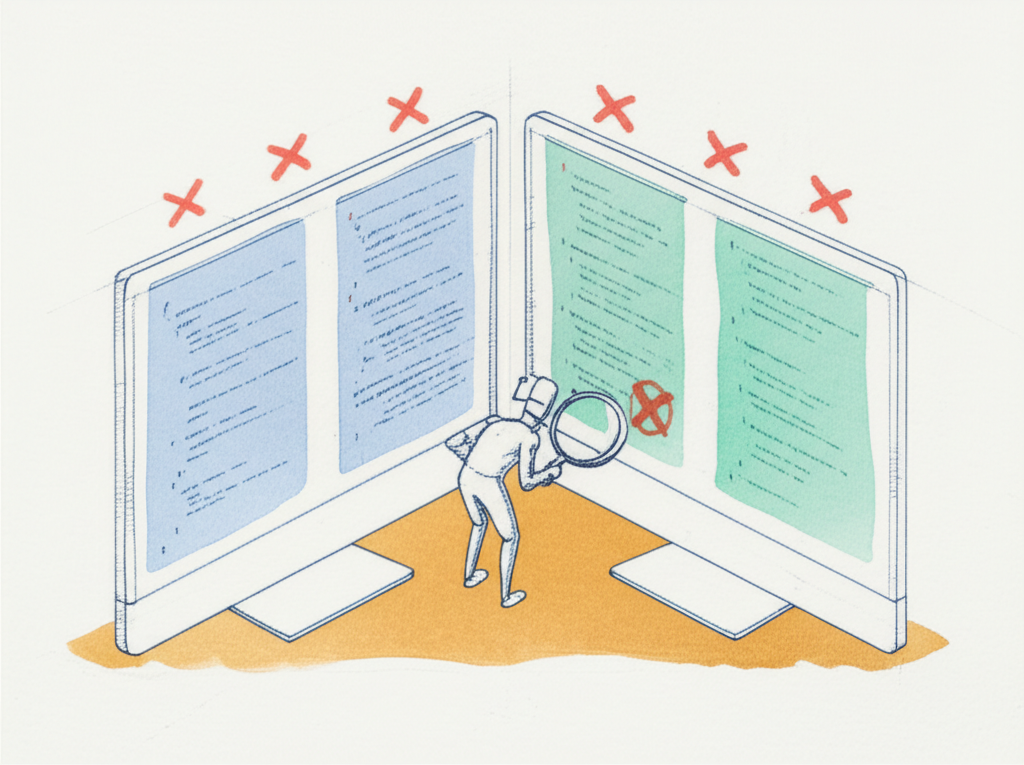
Automated review dashboard with quality scoring and static analysis

Nobody reads the code — so the system has to

When no human is reviewing every file, the pipeline has to compensate. Automated code review, static analysis, quality scoring, and standards enforcement aren’t optional extras — they’re the only observability you have.

The dev’s job shifts from reading code to designing the systems that read it for them.
Spec documents with decomposition tree and scope boundary markers

Specs are a discipline, not a document

Automated AI development is spec-heavy. Decomposition, scope boundaries, dependency ordering, edge case coverage — these aren’t documentation niceties. A vague spec doesn’t stall the pipeline; it misdirects it confidently.

Getting spec discipline right is the difference between a pipeline that ships and one that produces plausible-looking failures.
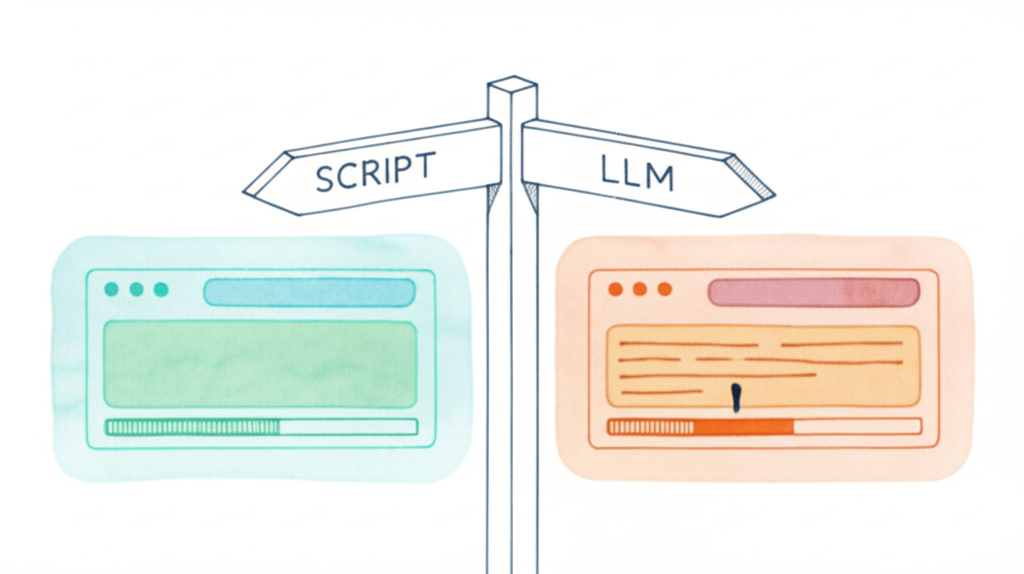
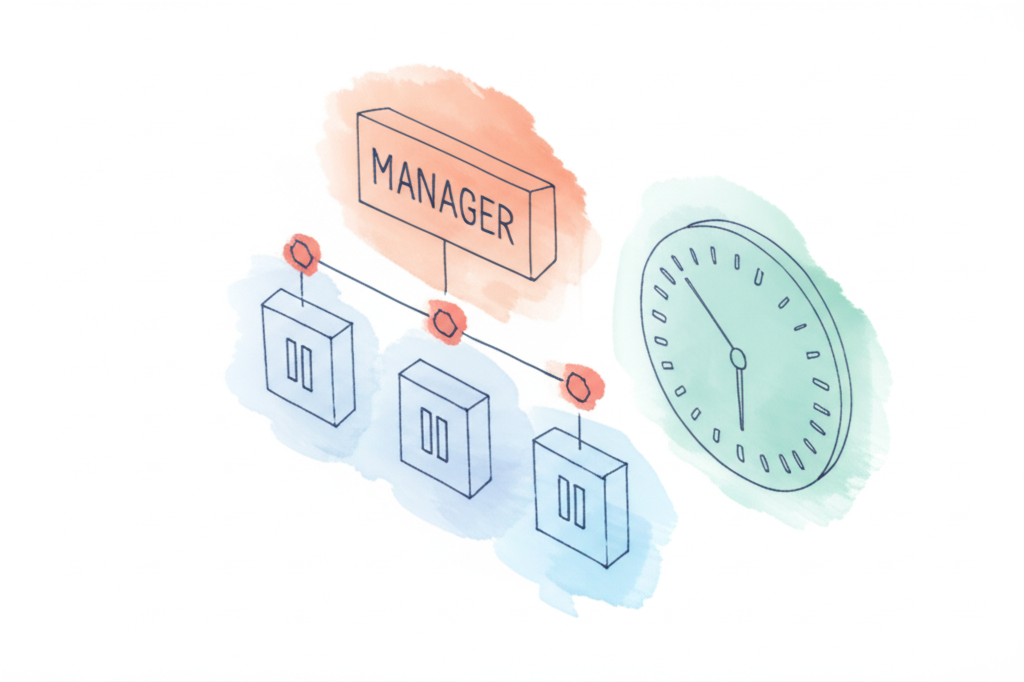
Deterministic pipeline flow diagram with bounded LLM role boxes

Intelligence in the Structure

High throughput means many specs moving through at once. An LLM in a management role becomes a liability — goal-oriented behavior leads it to shut down processes, restart tasks, and modify config mid-run. A deterministic flow with bounded LLM roles and clear gate logic produces better results than handing control to a model.

The structure of the pipeline is where the intelligence lives, not in a manager AI watching over it.
Developer reviewing pipeline metrics and updating agent definitions

Self-Improvement is Required

Every project surfaces new issues. Bottlenecks, domain-specific nuances, and edge cases emerge that no initial design anticipates. Agent definitions, flow logic, error handling, standards, and model routing all need periodic review. Some of this can be automated, but most of it is developer-initiated.

A pipeline that can’t be updated isn’t production-grade — it’s a prototype that shipped.
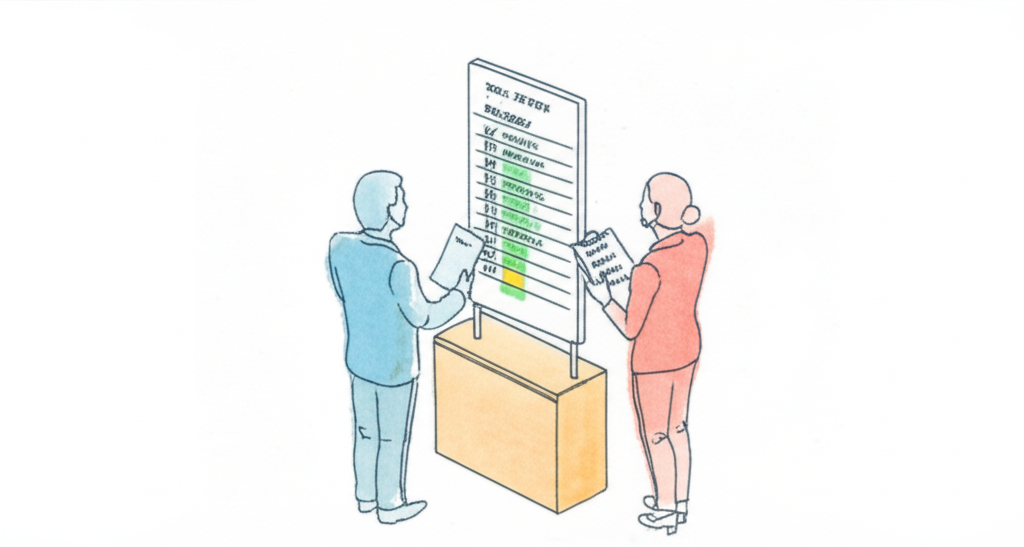
Two figures at pipeline whiteboard
Working Together

What working with me looks like

Most teams spend the first few months discovering things that have already been figured out.

Designing the right pipeline for your context

What gates do you need? What can be automated? Where does the model add value and where does it create noise?

Helping your team operate as orchestrators

Prompt engineering, defining context, evaluating outcomes — these replace syntax. Getting there takes support.

Working out where AI fits across the stack

Specs, tests, code, QA, deployment — AI can help at every stage. The question is which stages are ready, in what order, for your project.

Avoiding the traps that cost weeks

Bad orchestration design. Over-relying on the model for deterministic tasks. Under-specifying before generation.

$ ls tooling-worktree/
pipeline/  gates/  prompts/  scripts/
# separate branch from application code
# fix the pipeline without touching production

On one project, I maintain a separate branch purely for pipeline infrastructure. When the pipeline fails at 2am, you fix it without touching production.

Getting Started

Ready to build a pipeline that holds up?

Tell me where you are. We’ll figure out what actually makes sense for your team.

30-minute conversation No commitment I’ll tell you if it’s the wrong fit